In a world awash with digital content, finding a reliable way to manage your bookmarks without sacrificing privacy can feel like searching for a needle in a haystack. I wanted a solution that offered:
- A seamless user experience
- Robust privacy through self-hosting
- Simple setup via
dockeranddocker-compose - Minimal resource consumption
While there’s no shortage of alternatives, like Wallabag, I found it to be slower and more resource-heavy than my chosen solution: Shaarli. Other options, such as Unmark, Shaark, and LinkAce, often attempt to offer too much, leading to unnecessary complexity and resource demands.
Features and Interface
Upon logging in, the interface presents a bit of visual clutter, yet it remains remarkably intuitive:
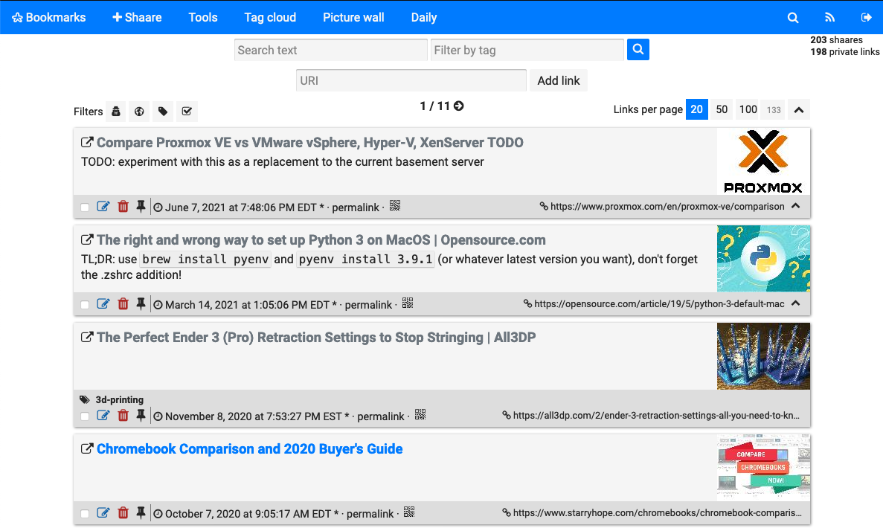
The search functionality stands out—it’s quick, highlights results, and operates seamlessly. No bells and whistles; it just works.
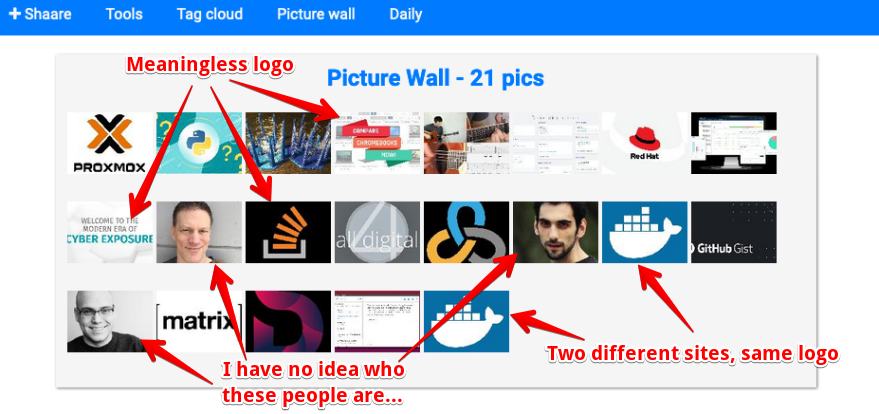
The feature set is well-curated, though I find the “Picture wall” somewhat superfluous. It pulls in logos or generic stock images from bookmarked pages, which, to be candid, doesn’t add much value for me.
The Tag Cloud is standard fare, but if you’re a fan, you’ll appreciate its instant search results. Typing reveals results quickly, which is a boon for efficiency.
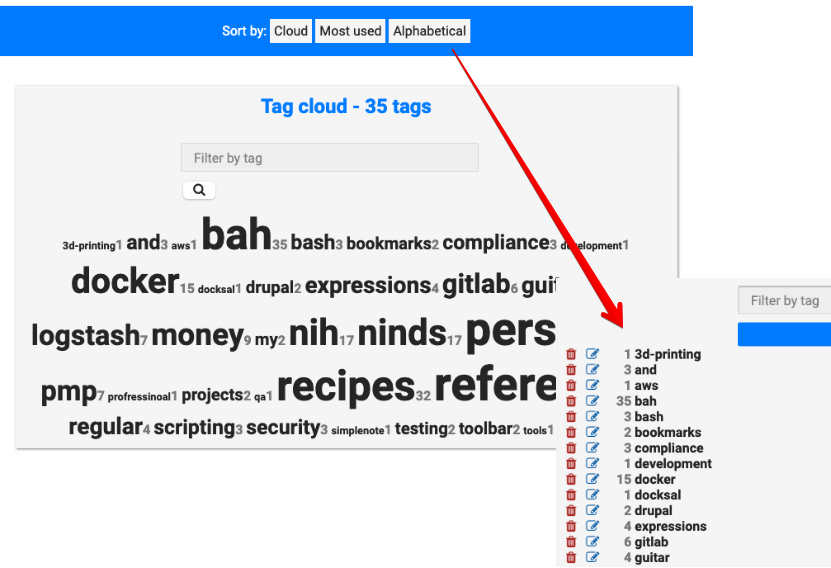
One limitation is the lack of support for multi-word tags (think “Professional Development” instead of splitting it into “Professional” and “Development”). However, the team is aware of this issue and is working on it—progress is always welcome!
Importing Links from the “Tools” menu is a breeze, handling my ~200 bookmarks effortlessly. Reports from other users indicate it scales well, accommodating thousands of links without a hitch.
Browser Plugins
For Firefox enthusiasts, there exists a straightforward web extension that allows you to add the current page to your Shaarli instance via a simple popup:
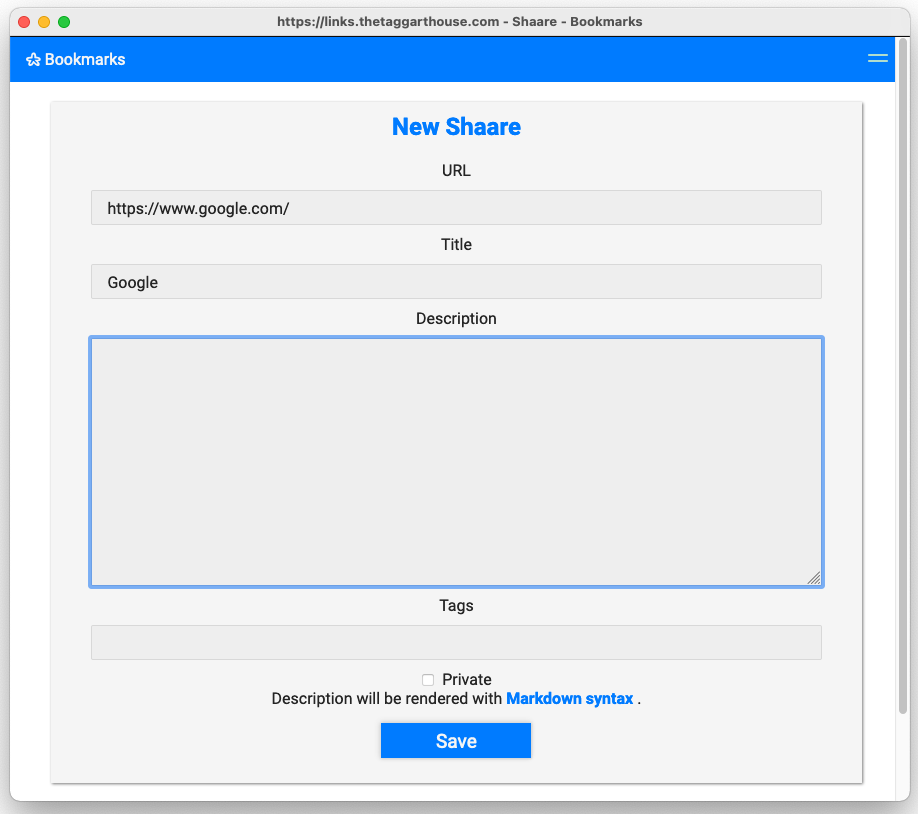
That said, the user experience here could use some refinement. The popup can sometimes hide behind the main window—an annoying hiccup. Scrolling is required, which begs the question: why not simplify the interface? An additional click is needed to save your bookmark, unlike the smooth single-click experience in native browsers. Despite these quirks, it does serve its purpose.
For Chromium users, there’s a similar extension available, alongside an Android utility. However, I found the latter a bit cumbersome for regular use.
It’s important to note that neither extension currently allows for bookmark syncing.
Performance
Shaarli excels in performance. Even when running in Docker on a five-year-old machine, the interface feels responsive, as if it’s been pre-fetched. Actions like viewing bookmark details, searching, and adding tags occur with instant responsiveness.
Configuration
Setting up Shaarli locally is straightforward with docker-compose:
version: '3'

services:
  shaarli:
    image: shaarli/shaarli:master
    container_name: shaarli
    restart: unless-stopped
    ports:
      - 8093:80
    volumes:
      - ./cache:/var/www/shaarli/cache
      - ./data:/var/www/shaarli/data
In my setup, port 8093 is managed through a Caddy reverse proxy:
# Shaarli Bookmark Manager
links.MYDOMAIN.com:80 {
  proxy / localhost:8093 {
    transparent
    header_upstream X-Forwarded-Proto {scheme}
  }
  # Wildcard TLS is handled upstream
  tls off
}
Shaarli integrates smoothly behind any reverse proxy, requiring no special configuration tweaks.
Conclusion
If you seek a fast, straightforward alternative to less secure public bookmark managers, I highly recommend giving Shaarli a try. As we continue to navigate the complexities of digital information, having a reliable and private bookmarking solution at your fingertips is not just beneficial—it’s essential.